The Salesforce CRM settings decide whether Blue Tracely creates Contacts, Leads and Accounts, what source those records give, and which visitors are sent at all. This article explains each setting, who it suits and how to find out why a visitor didn't reach Salesforce.
The settings appear once Salesforce is connected, and only owners and admins can change them. After changing settings, select Save at the top of the page. Discard undoes changes you haven't saved. Changes apply to visitors sent after you save.
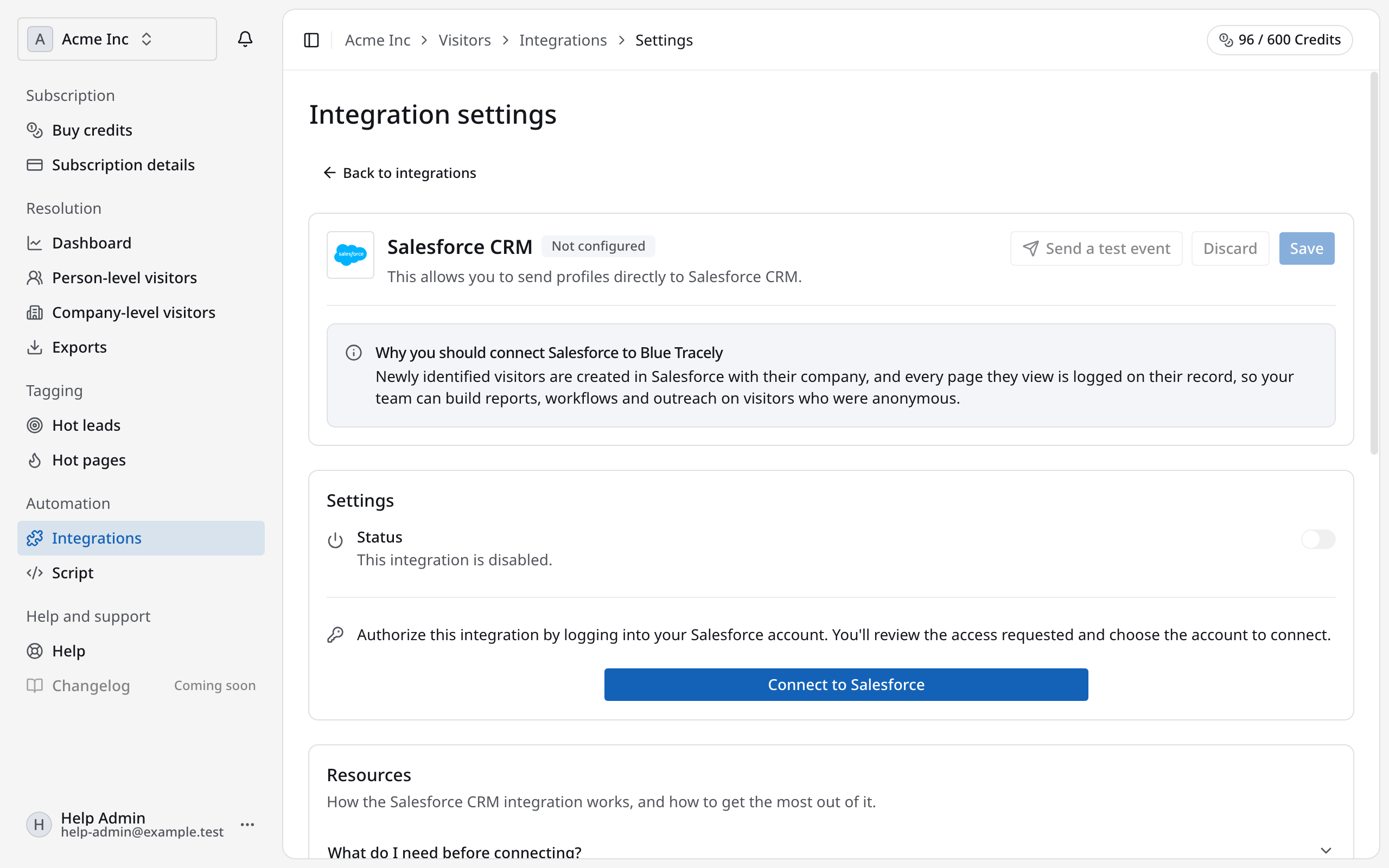
People already in Salesforce as a Contact or an open Lead are always updated with a page view Task, whatever you choose below. The settings apply only to people who aren't in Salesforce yet.
Company-only profiles
Sync company-only profiles
Options: on (default) or off.
When Blue Tracely identifies a company but not the person, it logs the visit on a single Contact named "Anonymous Visitor" under the company's Account. Only the company's first visit is synced. If the company isn't an Account yet, Blue Tracely creates one, unless the second setting below is set to Ignore.
- Keep it on so account owners see interest from their accounts before a person is identified, for example for account-based marketing.
- Turn it off to keep only named people in Salesforce.
Salesforce settings
When an individual is identified who belongs to a known Account but does not exist as a Contact in the CRM, what happens?
Options:
- Create as a new Contact (Recommended) (default): a Contact is created under the existing Account, so every person from that company is captured on the Account.
- Ignore: the person isn't added. Suits teams that vet new Contacts by hand.
A known Account is one whose website has the visitor's company domain, or whose name matches the company's.
When an individual is identified who doesn't belong to a CRM Account or doesn't have a company, what happens?
Options:
- Create as a new Contact and Account (if applicable): when the company is known, a new Account is created with a Contact under it. Without a company, the Contact is created without an Account.
- Create as a new Lead (Recommended) (default): a Lead is created with the company's name, so your team can qualify it and convert it later. This keeps your Contacts and Accounts limited to companies you already work.
- Ignore: the person isn't added. Suits teams that only want activity on companies already in Salesforce.
This setting also decides company-only visits from companies that aren't Accounts yet: with Ignore, they're not sent.
Record source
Lead Source and Account Source
Default: empty, which writes "Website Visitor".
The value written to Lead Source on the Contacts and Leads Blue Tracely creates, and to Account Source on the Accounts it creates. Enter up to 120 characters, for example your own campaign name, or leave it empty.
If your picklist is restricted, add the value to it in Salesforce, or Salesforce refuses it and the record is created without a source. See How to Add "Website Visitor" to Lead Source and Account Source Picklists in Salesforce.
Sync filter
Only sync hot leads
Options: on or off (default).
When on, only people tagged by a hot lead filter are sent. Under Hot lead filters, choose which filters count, or leave it empty for any of them. Paused filters don't count. Companies identified without a person aren't affected.
Re-syncing a profile by hand sends it even when it isn't a hot lead. See Setup Guide for Hot Leads Tagging.
Why a visitor didn't reach Salesforce
When a setting set to Ignore stops a visitor, the Sync logs card at the bottom of the settings page shows a Skipped entry:
| Message in the sync log | Setting to check |
|---|---|
| salesforce: the Account is known, and new Contacts at known Accounts are set to Ignore | When an individual is identified who belongs to a known Account… |
| salesforce: no Account, and individuals without one are set to Ignore | When an individual is identified who doesn't belong to a CRM Account… |
| salesforce: the company is not an Account, and individuals without one are set to Ignore | The same setting, for a company-only visit. Also shown when the company has no name. |
If there's no entry at all, the visitor wasn't sent, for example because they aren't a hot lead while Only sync hot leads is on. See Integration Logs.
Best practices
- Align with your approach. The defaults suit broad prospecting while keeping Contacts tidy. Use Ignore to add activity only to records you already manage.
- Review the data regularly. Check new Leads, Contacts and Accounts after the first days and adjust.
- Report on the source. Use your Lead Source and Account Source value to follow the records Blue Tracely created.