Blue Tracely gives you several settings that decide which visitors are identified, and so which visitors use your credits. This article explains how credits are used and how to point them at the visitors most likely to buy, rather than job seekers, existing clients or coworkers.
How credits are used
- One credit is used for each person or company Blue Tracely identifies and delivers to you, counted once per person or company in each calendar month.
- People and companies share the same pool of credits.
- Your plan includes a monthly allowance. Unused credits don't carry over.
- When the allowance is used up, identification pauses until the next cycle, unless an owner or admin has turned on overages with a cap.
You can see this cycle's usage, split into Person-level and Company-level, with what's Remaining, on Subscription details.
There's no setting that spends credits only on people who match your hot lead filters, or only on certain job roles. Hot lead filters tag visitors after they're identified. To control what uses credits, use the settings below. See Can I limit my credit usage to ICP-only profiles?
Estimating what you need
How many credits you use depends on how many of your visitors can be identified, which varies from site to site.
- The Coverage card on the Dashboard shows what share of your visitor sessions were identified, at person level and company level only.
- Check Subscription details during the cycle to see how fast credits are being used.
- Revisit your estimate when your traffic changes, for example after a campaign launch.
See How to Estimate the Number of Blue Tracely Credits You'll Need Each Month.
Ways to manage credit usage
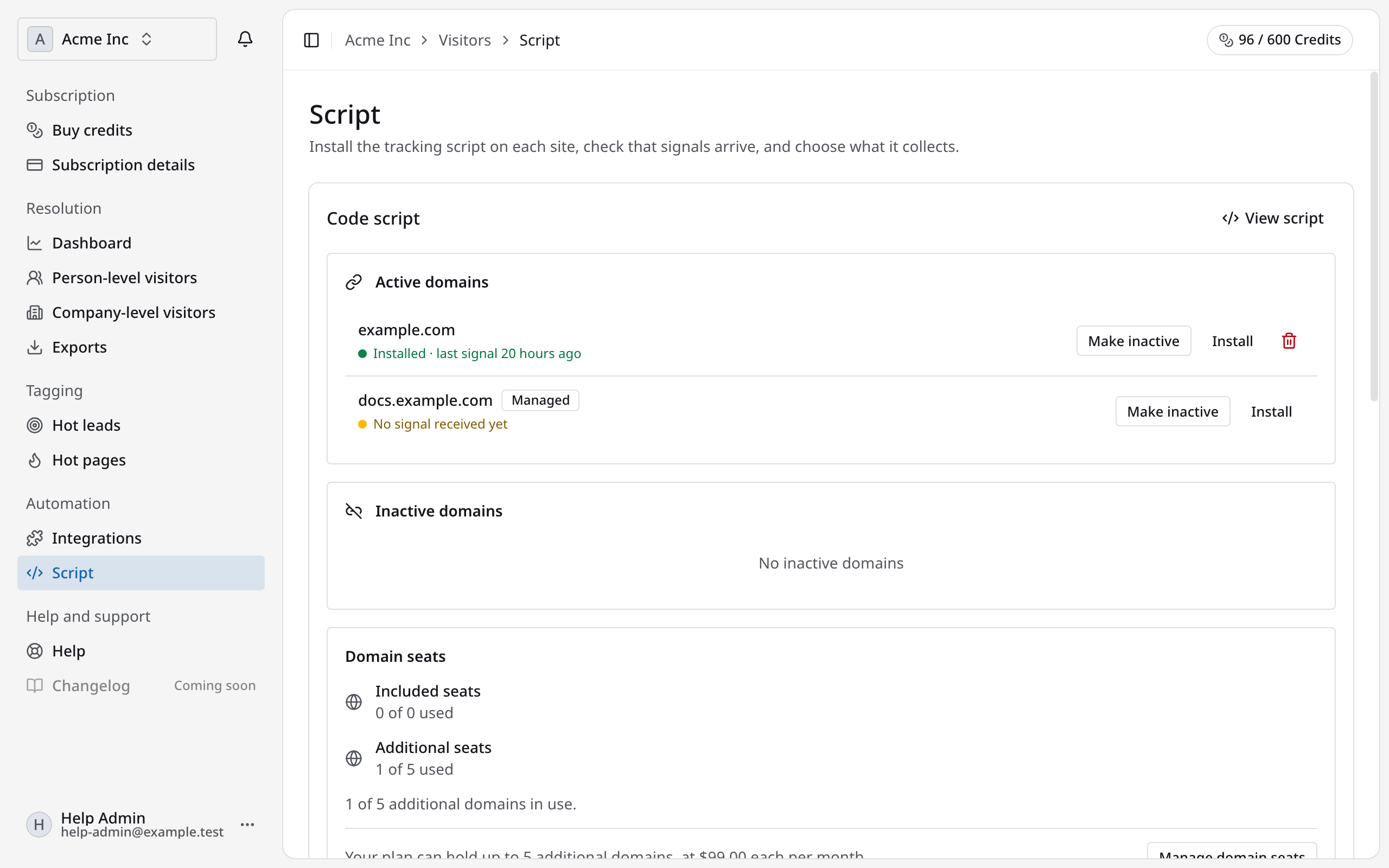
All of these are on the Script page. Owners and admins can change them.
1. URL restrictions
URL restrictions in Visitor capture settings decide which pages the script collects on. Pages it doesn't collect on use no credits. To focus on pages that signal intent, choose Only trigger on the URLs listed below. and list pages such as:
- pricing pages;
- demo request or contact pages;
- campaign landing pages.
URL restrictions are set for each domain and are available on every plan. See URL Restrictions.
2. Domain Exclusion List
The Domain Exclusion List leaves out people by the domain of their email address, such as:
- your existing clients;
- your own company and your coworkers.
An excluded person doesn't use a credit. Select Manage list next to Domain Exclusion List to add domains. The list applies across all your domains and is available on the Pro and Pro+ plans. See Domain Exclusion List.
3. Repeat visitor collection
With Repeat visitor collection off, a browser that has already sent an identification sends nothing more for 30 days, and repeat visits don't use credits. You also stop seeing those visitors' later page views, so leave it on unless saving credits matters more. See Preventing Repeat Visitor Collection.
4. Company-level collection
When no person can be identified, Company-level collection identifies the visitor's company from its network. Companies use credits from the same pool as people. If you only want people, turn Company-level collection off for that domain.
5. International company tracking
If your account is set up for specific countries, International company tracking decides whether companies outside those countries are identified too. Turning it off keeps credits for companies in your countries. If your account has no country list, this switch can't be changed. See Global Visitor Tracking.
6. Overage settings
On Subscription details, owners and admins choose what happens when the allowance runs out: Disable collection until next billing cycle, or Enable overages, bill me for additional credits with a Maximum additional credits cap. See Overages FAQs.
Best practices for optimizing usage
- List the pages that show the strongest buying intent, such as pricing and demo pages, and mark them as hot pages too.
- Add your clients' and your own email domains to the Domain Exclusion List.
- Review your URL restrictions and exclusions when your website or client list changes.
- Change one setting at a time and watch Subscription details and the Coverage card to see the effect.
- Remember that narrowing collection saves credits but also hides visitors. Balance the two.
FAQs on credit usage
Can I stop certain job roles from using credits?
No. Credits can't be limited by job role. Use URL restrictions or the Domain Exclusion List instead.
Can I spend credits on people only?
Yes. Turn off Company-level collection for each domain in Visitor capture settings. Companies are then not identified, so they use no credits.